Palettes are user-defined selections created in the Cloud based CS Web App .
The Palette Builder is accessible from the CloudScapes website via the Customer Login.
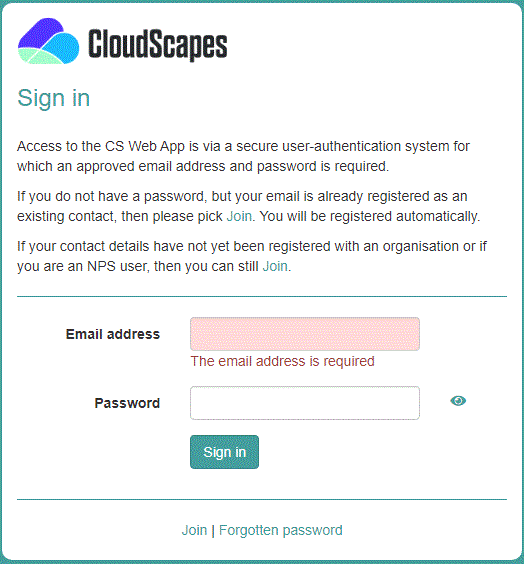
New users need to pick the JOIN option to be able to create a personal password to access the CS Web App services. If a user has successfully joined an organisation, the associated email address and password details can be entered to Sign In. [See CS Web App Sign In for details on the procedure to Join ].
The CS Palette Builder can also be launched directly from within CS ArtisanRV via the Create Planting dialog, where users will also be prompted to Sign In.
Seed Mix Palettes are created in the same way as for Detailed Planting - Add New Palette .
In the Palette Builder, use the Basic Filter to select the Softworks - Seed Mixes - Edit Palette.